Hero Wars Download 2026: Complete Installation Guide for All Platforms
Introduction
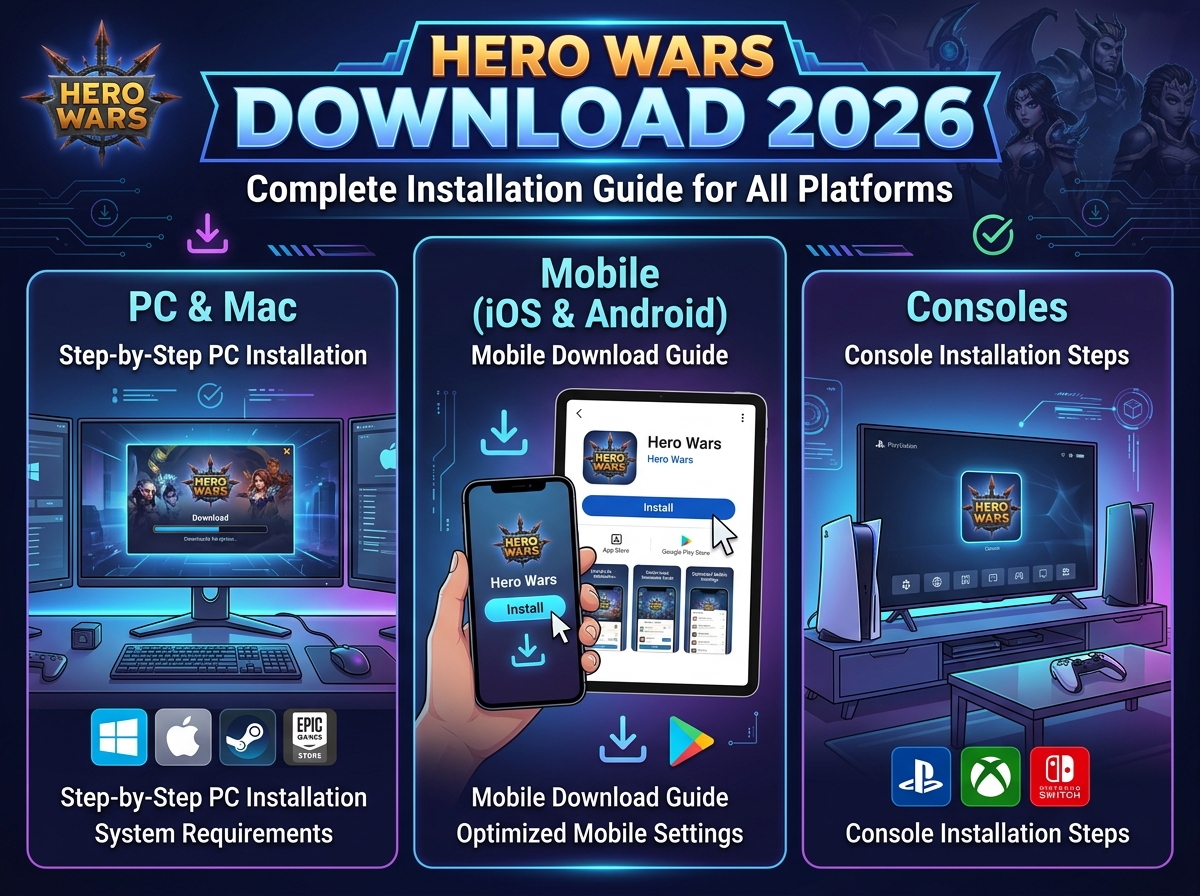
Getting started with Hero Wars download 2026 is your first step into one of the most engaging mobile RPG experiences. Whether you’re playing on PC through your browser, installing the mobile app, or setting up on Facebook Gaming, this guide ensures smooth installation and optimal performance across all platforms.
With over 50 million downloads worldwide, Hero Wars continues dominating the hero collection RPG genre through accessible gameplay and deep strategic systems.
Platform-Specific Download Options
Table of Contents
PC/Web Browser (No Download Required)
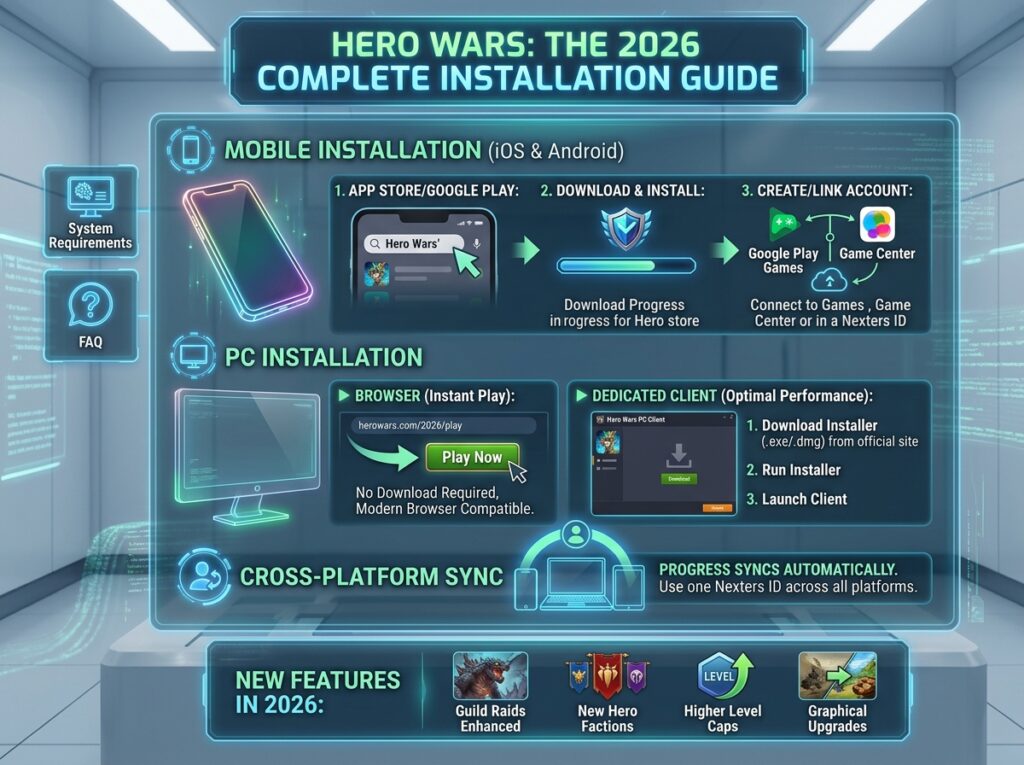
Official Web Version:
- URL:https://hero-wars.com
- Requirements: Modern web browser, internet connection
- Advantages: Instant play, no storage used, best performance
- Progress: Saves to cloud account
Supported Browsers 2026:Table
| Browser | Compatibility | Recommended For |
|---|---|---|
| Google Chrome | ★★★★★ | Best overall experience |
| Microsoft Edge | ★★★★★ | Windows users |
| Mozilla Firefox | ★★★★☆ | Privacy-focused users |
| Safari | ★★★★☆ | Mac/iOS ecosystem |
| Opera GX | ★★★★☆ | Gaming-optimized |
Quick Start:
- Visit hero-wars.com
- Click “Play Free”
- Choose login method (Facebook, Google, or email)
- Complete tutorial (5 minutes)
- Begin your adventure
Mobile App Download (iOS & Android)
iOS Download Process:
App Store Method:
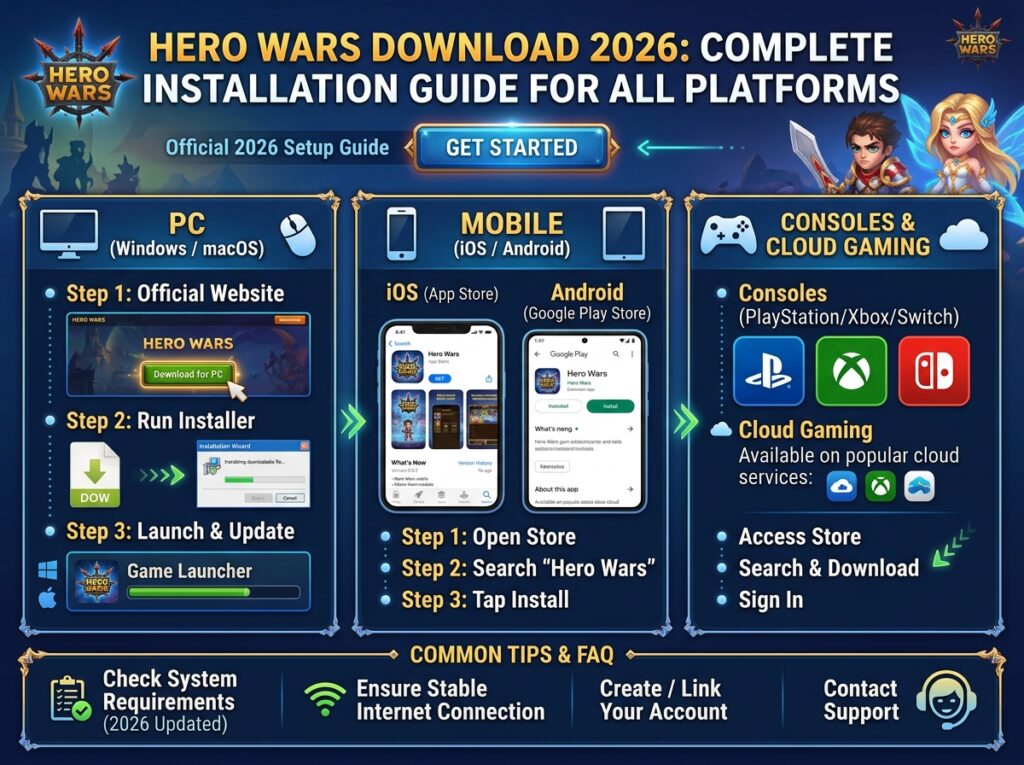
- Open App Store on iPhone/iPad
- Search “Hero Wars” (verify developer: Nexters Global)
- Tap “Get” then “Install”
- Wait for download (150MB)
- Open app and complete setup
Requirements:
- iOS 12.0 or later
- iPhone 6s or newer recommended
- 500MB free storage
- Stable internet connection
Android Download Process:
Google Play Method:
- Open Google Play Store
- Search “Hero Wars” (verify 50M+ downloads)
- Tap “Install”
- Accept permissions (storage, network)
- Launch and begin tutorial
APK Alternative (if Play Store unavailable):
- Download from APKPure or Uptodown
- Enable “Unknown Sources” in settings
- Install and verify signature
- Caution: Only use reputable APK sources
Android Requirements:
- Android 5.0 or later
- 2GB RAM minimum (4GB recommended)
- 300MB free storage
- ARMv7 or x86 processor
Facebook Gaming Platform
Access Without Download:
- Visit facebook.com/gaming
- Search “Hero Wars” in game library
- Click “Play” to launch instantly
- Connect or create account
- Progress syncs with mobile/web
Facebook App Method:
- Open Facebook mobile app
- Navigate to Gaming tab
- Find Hero Wars in popular games
- Tap to play within Facebook
- Same account as other platforms
Download Troubleshooting
Common Installation Issues
| Problem | Solution |
|---|---|
| Insufficient storage | Free 1GB+ space, clear cache |
| Slow/paused download | Switch to WiFi, restart router |
| Corrupted file | Clear store cache, retry |
| Region restriction | Use official web version |
| Device incompatible | Check minimum requirements |
Installation Stuck:
- Force close app store
- Restart device
- Clear app store cache
- Retry download
Account Setup Issues
Progress Not Saving:
- Verify account linking (email/Facebook/Google)
- Check internet connection stability
- Ensure not in “guest mode”
- Contact support with device info
Cross-Platform Sync Problems:
- Login with same method across platforms
- Verify server selection matches
- Allow 5-10 minutes for sync
- Check both platforms updated to latest version
Post-Download Optimization
First-Time Setup Guide
Initial Configuration (All Platforms):
- Graphics Settings:
- High-end devices: Enable all effects
- Mid-range: Medium graphics, 30 FPS
- Budget: Low graphics, disable particles
- Sound Setup:
- Enable music for immersion
- Sound effects on for ability cues
- Voice volume personal preference
- Notification Preferences:
- Enable for energy full alerts
- Event start notifications
- Guild war reminders
Tutorial Completion:
- Mandatory 5-minute introduction
- Teaches basic combat and progression
- Rewards starter heroes
- Cannot be skipped on first play
Platform-Specific Optimization
Mobile Optimization:
- Enable battery saver during passive play
- Disable background app refresh for other apps
- Use WiFi for major updates
- Clear cache weekly (Settings → Storage)
PC/Browser Optimization:
- Enable hardware acceleration
- Allow autoplay for audio
- Bookmark login page
- Use password manager for quick access
Download Safety & Security
Avoiding Malicious Downloads
Red Flags:
- “Unlimited emerald” modded APKs
- Downloads from unofficial forums
- Requests for root/jailbreak access
- Excessive permission requests
- No verified developer signature
Safe Download Sources Only:
- Official website (hero-wars.com)
- Google Play Store
- Apple App Store
- Facebook Gaming (official)
- Verified publisher: Nexters Global
Account Security Post-Install
Immediate Actions:
- Link to email or social account
- Enable two-factor authentication if available
- Note down player ID (Settings → Account)
- Join official community for updates
- Never share account credentials
FAQ – Hero Wars Download 2026
| Question | Answer |
|---|---|
| Is Hero Wars free to download? | Yes—completely free on all platforms with optional purchases. |
| How much storage space needed? | 300-500MB initial, 1GB+ recommended for updates. |
| Can I play offline after downloading? | No—Hero Wars requires constant internet connection. |
| Is PC version different from mobile? | Same game, same servers—progress syncs between platforms. |
| Why is download slow? | Check connection, try different network, or use web version. |
| Can I transfer progress between devices? | Yes—link account to email/Facebook/Google for cloud sync. |
Conclusion
Hero Wars download 2026 opens access to one of the most polished hero collection RPGs available. Whether you choose instant browser play or dedicated mobile app installation, the game offers seamless cross-platform progression and hundreds of hours of strategic gameplay.
Recommendation: Start with web version to test gameplay, then install mobile app for convenient daily check-ins.