TOWER
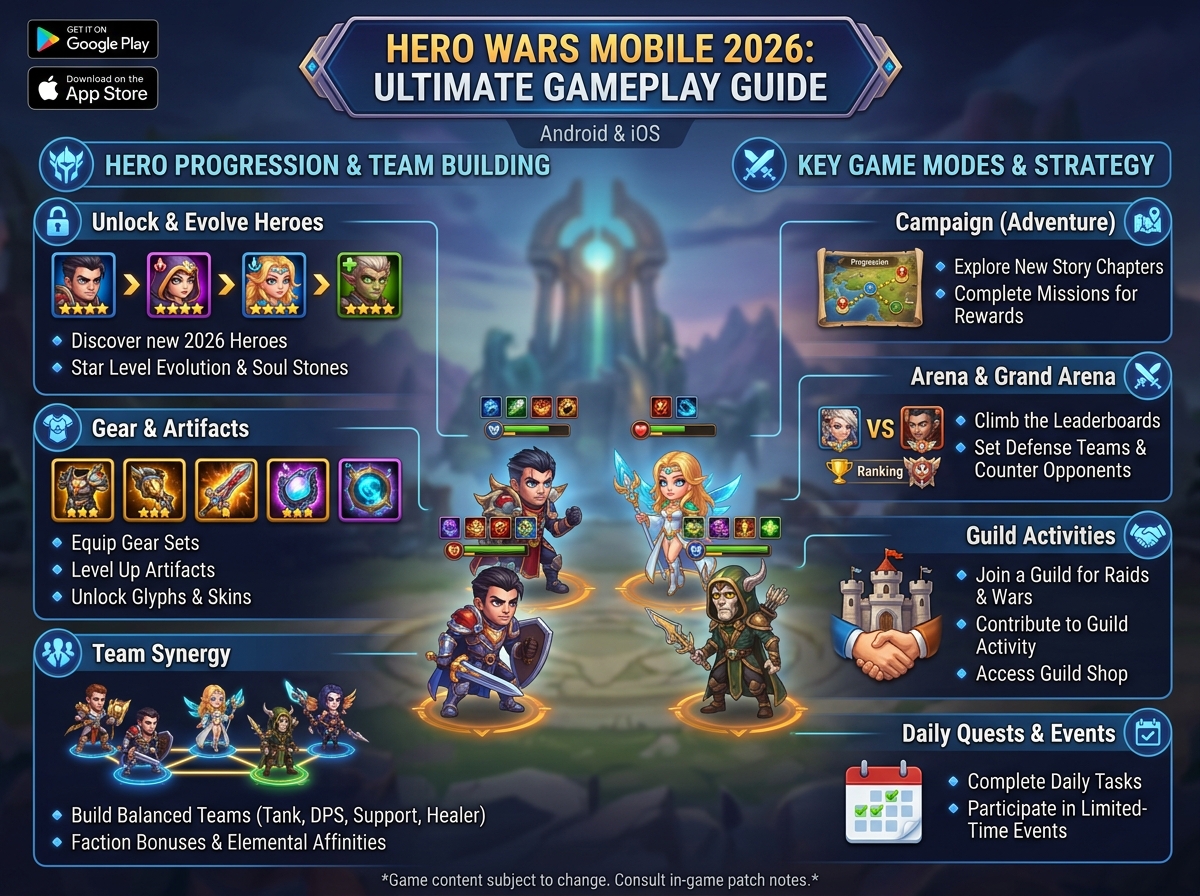
Hero Wars Mobile 2026: Ultimate Guide to Android & iOS Gameplay
Introduction
Hero Wars Mobile 2026 delivers the full desktop experience to your pocket, with intuitive touch controls and optimized performance for on-the-go gaming. Whether you’re an Android enthusiast or iOS devotee, this guide covers everything from installation to advanced mobile-specific strategies.
With millions of active mobile players, the mobile version maintains perfect parity with PC while offering unique conveniences for busy lifestyles.
Mobile Platform Overview
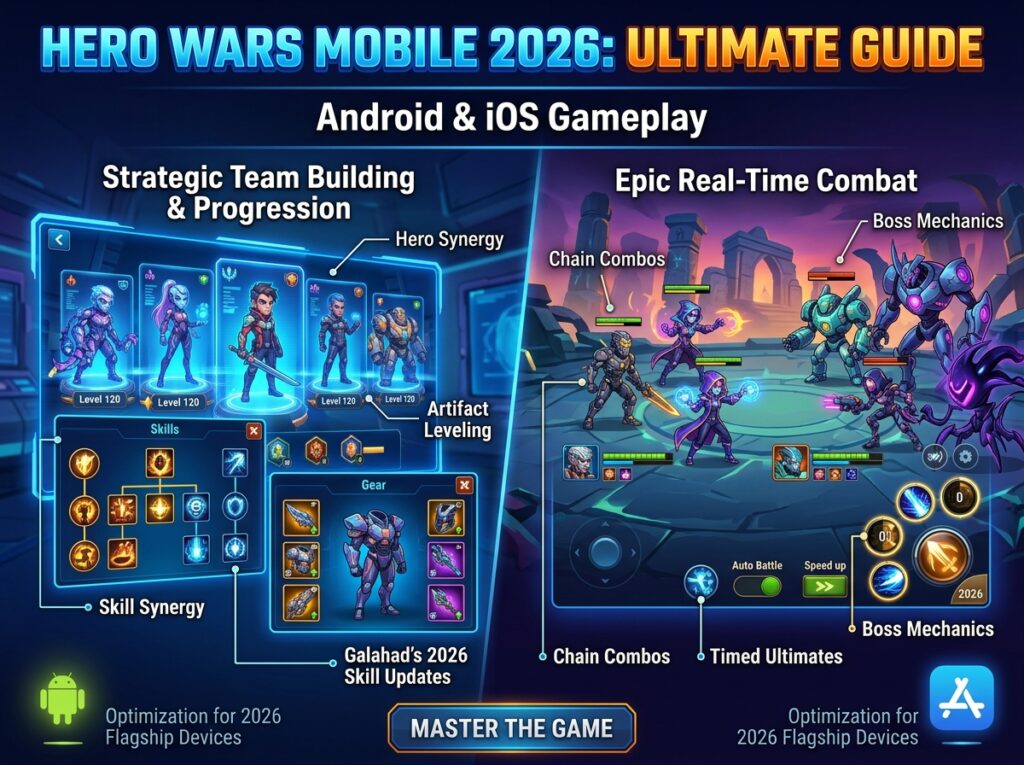
Table of Contents
iOS Version (iPhone & iPad)
App Specifications:
- Download Size: 156MB (varies by device)
- Compatibility: iOS 12.0+
- Optimized For: iPhone 8 and newer, all iPad models
- Rating: 4.6/5 stars (App Store)
iOS-Specific Features:
- iCloud backup integration
- Apple ID secure login
- iPad split-screen multitasking support
- Haptic feedback for ability activation
- Widget support for energy notifications
Performance by Device:Table
| Device | Graphics | Stability | Battery Impact |
|---|---|---|---|
| iPhone 15 Pro | Ultra | Excellent | Moderate |
| iPhone 14/13 | High | Excellent | Moderate |
| iPhone 12/11 | High | Very Good | Moderate |
| iPhone XR/XS | Medium | Good | Low |
| iPhone 8/SE | Medium | Good | Low |
| iPad Pro | Ultra | Excellent | High |
| iPad Air/Mini | High | Very Good | Moderate |
Android Version
App Specifications:
- Download Size: 142MB (varies by device)
- Compatibility: Android 5.0+
- Optimized For: Devices with 4GB+ RAM
- Rating: 4.4/5 stars (Google Play)
Android-Specific Features:
- Google Play Games achievements
- Android notification channels
- Background download capability
- Multiple account support (device-dependent)
- Wide device compatibility
Performance Categories:Table
| Tier | Examples | Experience |
|---|---|---|
| Flagship | Galaxy S24, Pixel 8 | Ultra settings, 60fps |
| Mid-Range | Galaxy A54, Pixel 7a | High settings, stable |
| Budget | Galaxy A14, Moto G | Medium settings, playable |
Mobile Gameplay Experience
Touch Control Mastery
Basic Controls:
- Tap: Select hero, activate ability
- Swipe: Navigate menus, scroll lists
- Pinch: Zoom in/out on battle
- Hold: View hero details, drag to reposition
Combat Interface:Table
| Element | Function | Pro Tip |
|---|---|---|
| Auto-Battle Toggle | Enable/disable AI | Turn off for boss battles |
| Speed Control | 1x/2x/3x battle speed | 3x for farming, 1x for strategy |
| Ultimate Buttons | Tap to fire hero ultimate | Time for maximum impact |
| Pause | Freeze battle | Plan next moves |
Advanced Touch Techniques:
- Quick-Switch: Double-tap to swap targets
- Multi-Tap: Rapid ultimate activation sequence
- Gesture Shortcuts: Some emulators support custom gestures
Mobile vs. Desktop Comparison
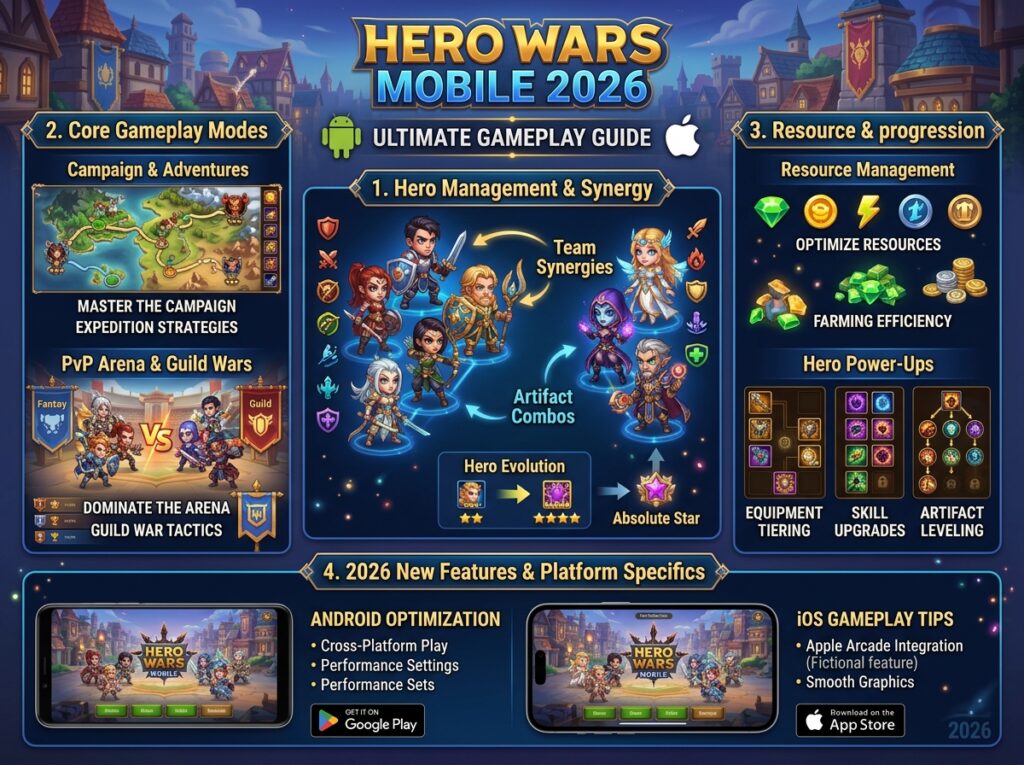
Mobile Advantages:
- Play anywhere, anytime
- Push notifications for events
- Quick session capability (5-10 minutes)
- Touch feels natural for menu navigation
- Portrait mode for discrete play
Mobile Limitations:
- Smaller screen reduces battle detail
- Battery consumption during long sessions
- Heat throttling